Download Step Union
Track your steps, join virtual journeys, and connect with friends—all in the palm of your hand.
Available on iOS and Android
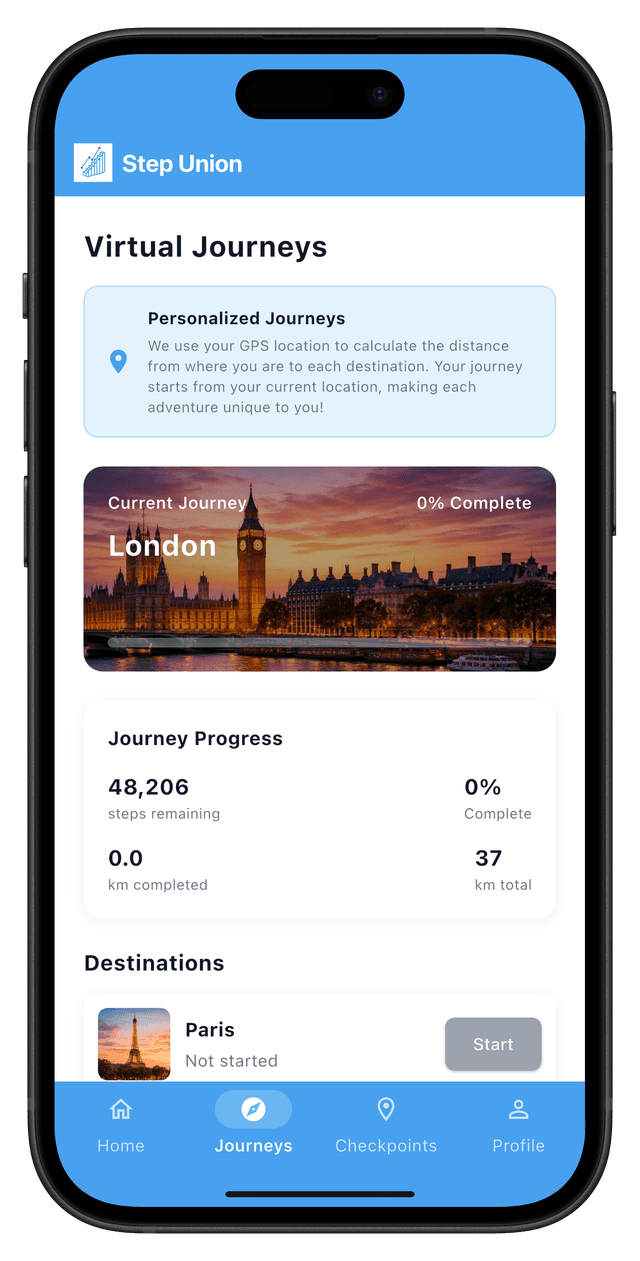
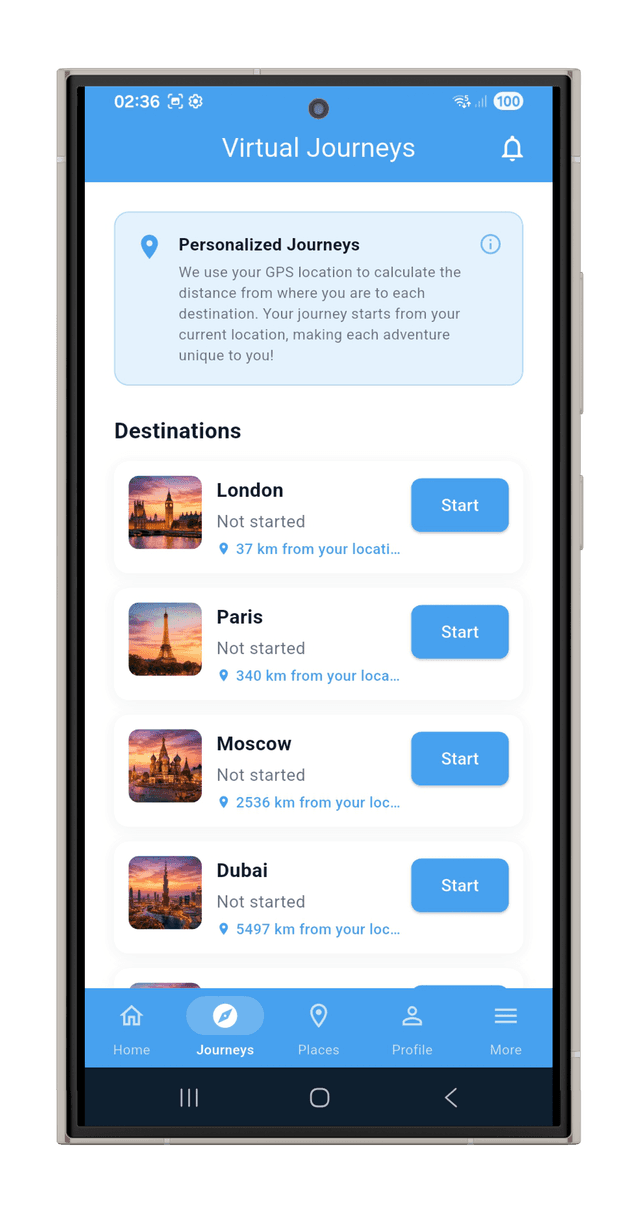
How to Get Started
1. Download the App
Get Step Union from the App Store and install it on your device.
2. Create Your Account
Sign up with your email or connect with your existing account.
3. Start Moving
Connect your devices and begin tracking your fitness journey!
System Requirements
iOS
- • iOS 15.0 or later
- • iPhone 8 or later
- • iPad (6th generation) or later
- • Apple Watch Series 3 or later (optional)
Android
- • Android 8.0 (Oreo) or later
- • 2GB RAM minimum (4GB recommended)
- • Google Play Services
- • Bluetooth 4.0 or later (for device sync)
- • 50 MB storage space
Frequently Asked Questions
Is the app free to use?
Yes! Step Union is free to download and use. Some premium features may be available through in-app purchases.
How accurate is step tracking?
Step Union syncs data directly from your connected devices (Garmin, Fitbit, Apple Health, etc.), ensuring the most accurate step count from your trusted fitness trackers.
Can I use the app offline?
Yes, the app can track your steps offline. Your data will sync automatically when you reconnect to the internet.
How do I connect my fitness tracker?
After creating your account, go to Settings → Integrations and follow the prompts to connect your Garmin, Fitbit, or other supported devices.
Ready to Start Your Journey?
Join thousands of users who are making fitness fun, social, and rewarding. Download Step Union today!